When Is It Needed?
- When transaction codes are too complex for users
- When mobile or role-based access is required
- When the choice between Fiori Elements and Freestyle is unclear
- When an existing UI5 application is difficult to maintain
Manage your SAP system from any device with modern, fluid interfaces.
Put an end to complex transaction codes (T-Codes) and simplify business processes.
Adaptive designs that work flawlessly on all devices — tablet, phone or desktop.
Rapid and standard application development based on SAP design principles using Annotation-driven approach.
Fully customised dashboards and complex input screens tailored to your specific needs.
Role-based menu management, KPI indicators and personalised home pages.
Current, maintainable technologies connect the frontend and backend.
Speed and accessibility are critical in modern operations. Enabling warehouse staff to enter data from handheld devices and sales managers from tablets reduces process steps; a well-designed Fiori application supports operational efficiency and data quality.
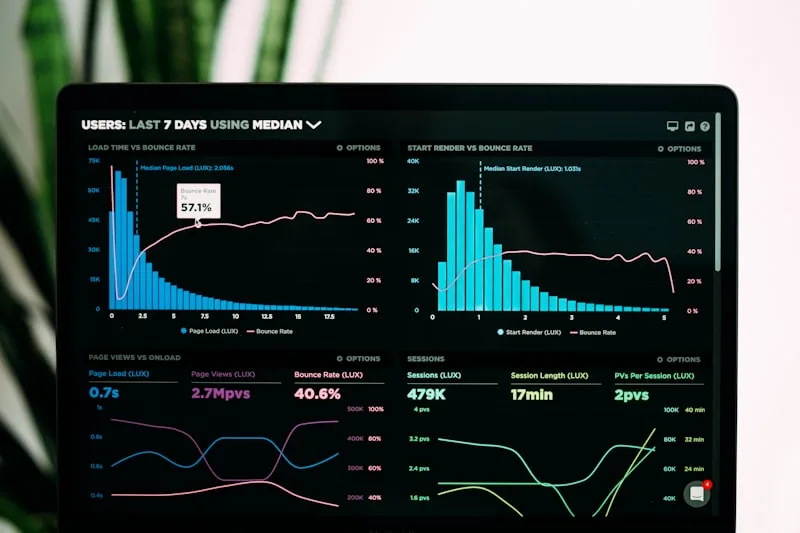
Frontend and SAP backend are handled together, from user need to a working Fiori application.
Fiori Elements is usually faster and easier to maintain for standard list, object and analytical pages. Freestyle is considered when custom interaction or screen behaviour is required.
Yes. CDS/OData models, authorisation and error messages can be designed with the interface; existing services are reviewed for reuse first.
Target devices and critical tasks are agreed during analysis, and responsive behaviour is tested against those scenarios.
Get in touch for your projects.